
Add Golisimo on Android
- Open Golisimo in your mobile browser.
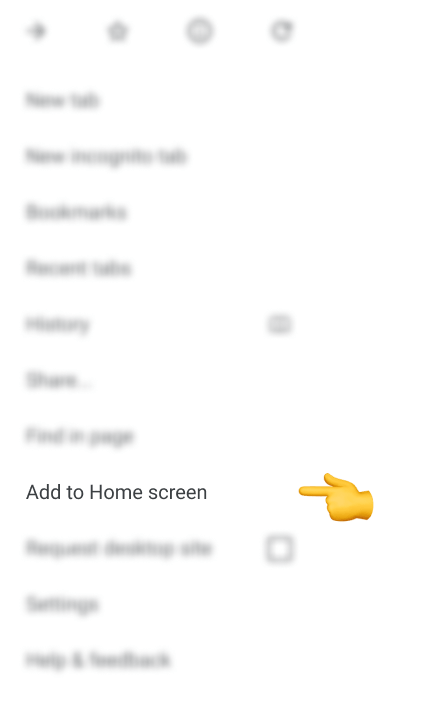
- Tap the three-dot menu in the upper-right corner.
- Choose Add to Home screen.
- Give the shortcut a name and finish adding it to your home screen.
Tap the new shortcut whenever you want to open Golisimo. Menu wording and placement can vary with your browser version.
Add Golisimo on iPhone
- Open Golisimo in Safari.
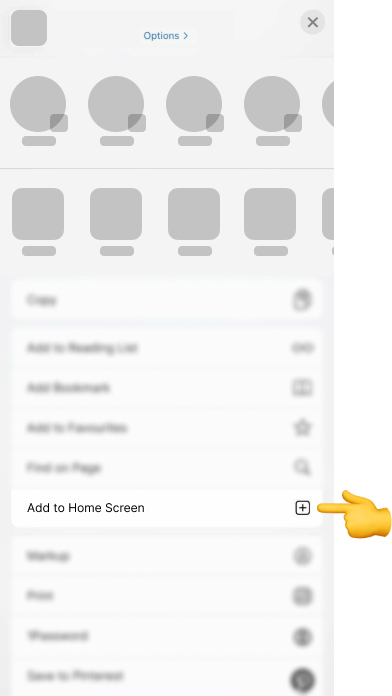
- Tap Share, the square with an upward arrow at the bottom of the screen.
- Scroll down and choose Add to Home Screen.
- Enter a name and tap Add.
The shortcut will appear on your home screen. Tap it to return to Golisimo.
Browser access or a download?
The instructions above create a website shortcut. You can also keep using your browser without adding anything to your home screen. No separate download is needed for this route.
We do not provide an APK or native-store download on this page. Use the browser route and the instructions above rather than an unverified download claiming to be a Golisimo app.
Sign in with your existing account
Choose Log in after opening Golisimo. Use the account you already have; a shortcut does not require a new registration. See our Golisimo login guide for password recovery and account-access help.
If the shortcut option is missing
Open the page directly in your browser rather than inside another app. Check the browser's menu or sharing options. If you cannot find the shortcut action, continue using Golisimo in the browser.